21 - Show, hide and switch equipped weapon actions and AnimBP
I have already implemented the ability for the coyote to pick up a weapon. When he does, he can no longer walk on all fours, and his MaxWalk speed is reduced. This makes it harder to escape from the snakes chasing the player, and it leaves only a short window to benefit from the increased speed before picking up a weapon.
To offer better gameplay, I have had the idea from the very beginning to allow the player to holster or put away the weapon and return to an unequipped state. The player would then be able to take the weapon from coyote back to shoot again, or switch weapons if a secondary weapon is equipped. As in a game like Apex Legends, I wanted to separate the controls for these actions: one key to show or hide the weapon, and the mouse wheel to switch between weapons.
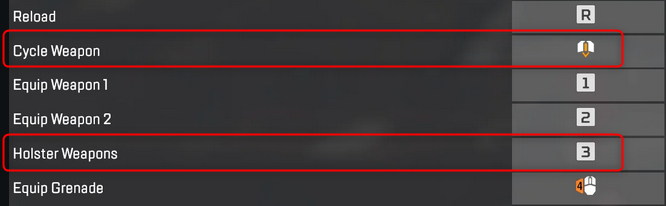
Apex Legends bindings with two actions to holster weapons or cycle through equipped weapons
To do so, I started by creating an animation in Blender, importing it into Unreal and making a PutAwayWeapon montage.
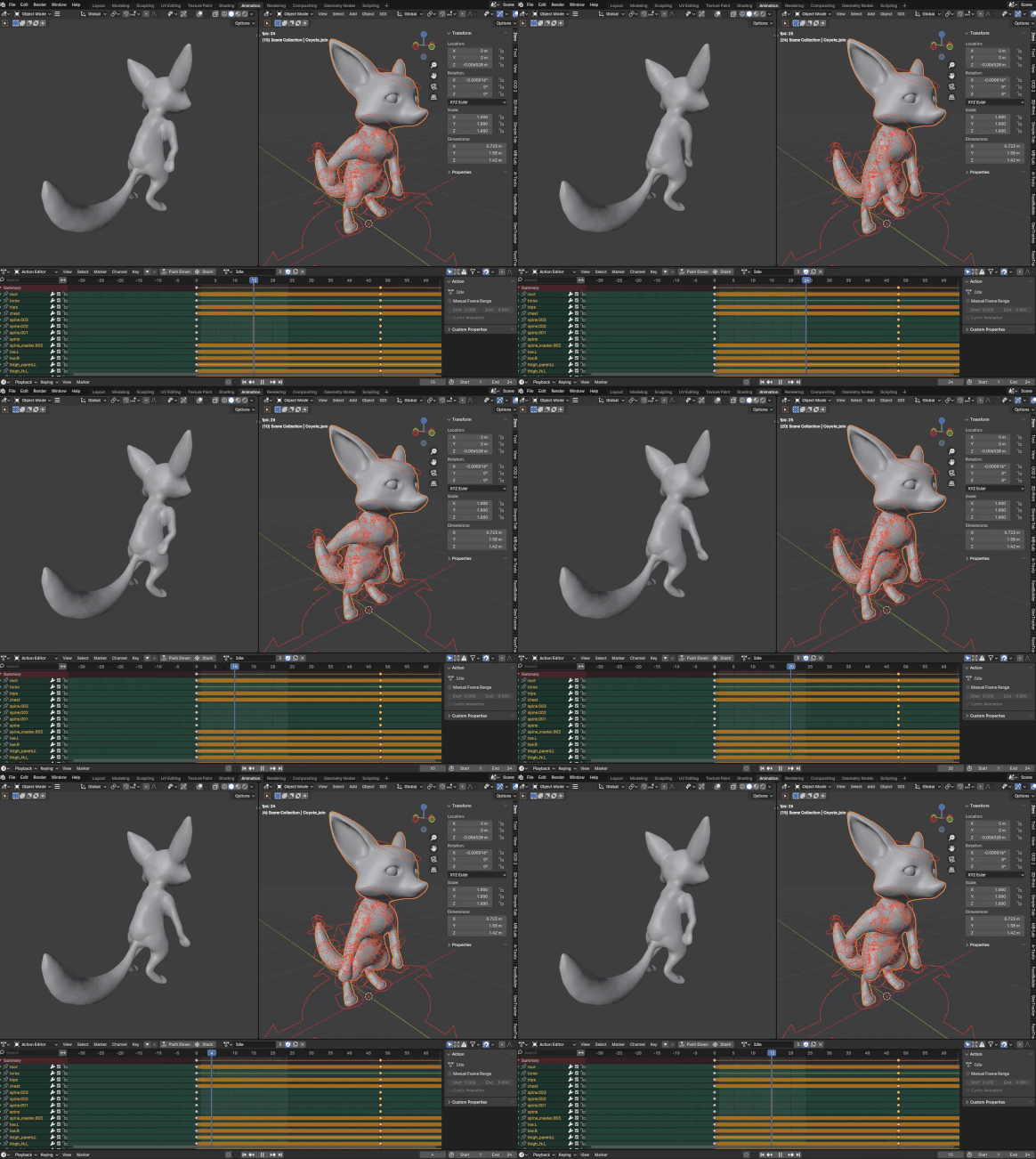
My PutAwayWeapon animation in Blender
Then, I added the actions and functions to the Character and made them call the CombatComponent to do the following:
- Set aiming to false (simple precaution)
- Make the character play the PutAwayMontage
- Make the character equipped or uneqquiped
- Set the right
MaxWalkSpeed - Adjust
ControllerandOrientRotationToMovement

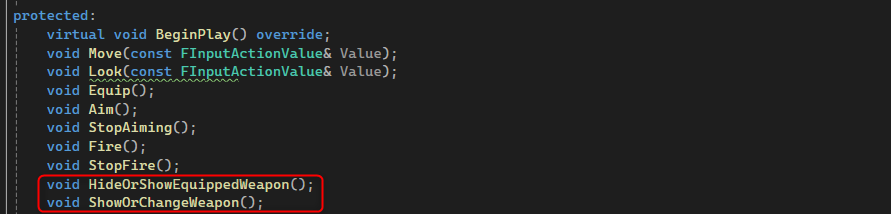
The actions and functions to handle the mecanic
After, and this took me two days, I modified the Animation Blueprint with the right state machines, cached poses, slots and so on. The final touch was to use an Animation Notify and a blueprint callable function to set the weapon mesh visibility to true or false in the middle of the animation and based on the triggered action.
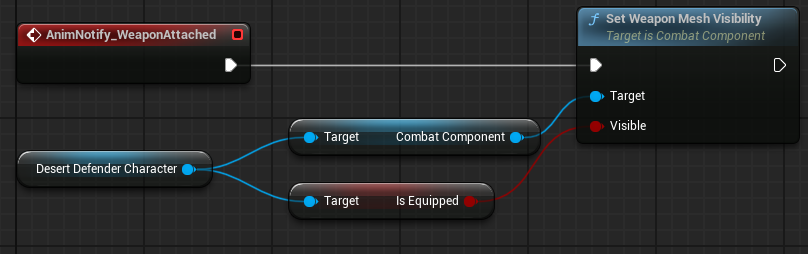
The AnimBP EventGraph
Finally, here is the result: a coyote able to pickup a weapon, holster it and take it back to shoot again. The next step will be to add a secondary weapon and the possibility to switch weapons.
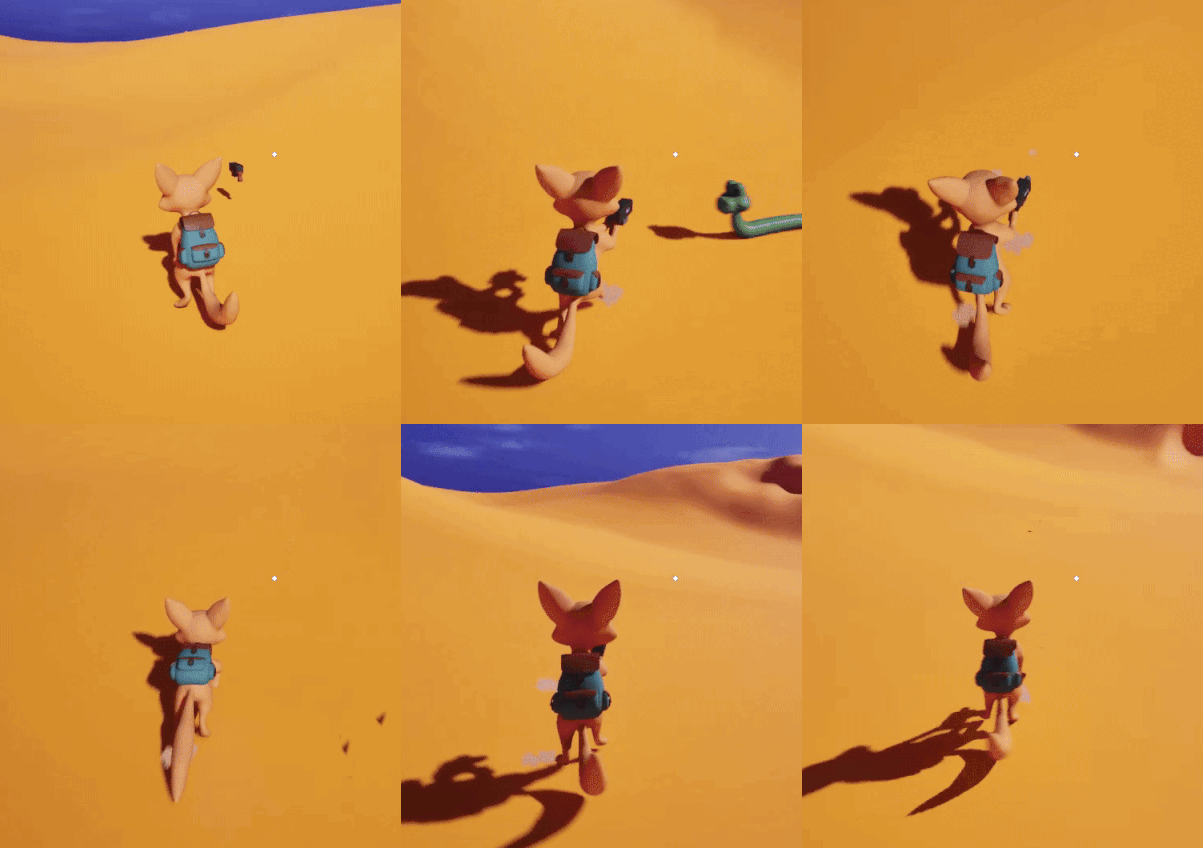
Equip, shoot, holster, run, shoot again